How to Request a Category Tag Removal
Last updated: October 2, 2026
If you believe a category tag has been incorrectly assigned to a token on CoinGecko, you can submit a request for its removal. Please follow the steps below:
1. Go to CoinGecko Support
2. Select General Enquiries (Non-technical).
1. Go to CoinGecko Support
2. Select General Enquiries (Non-technical).
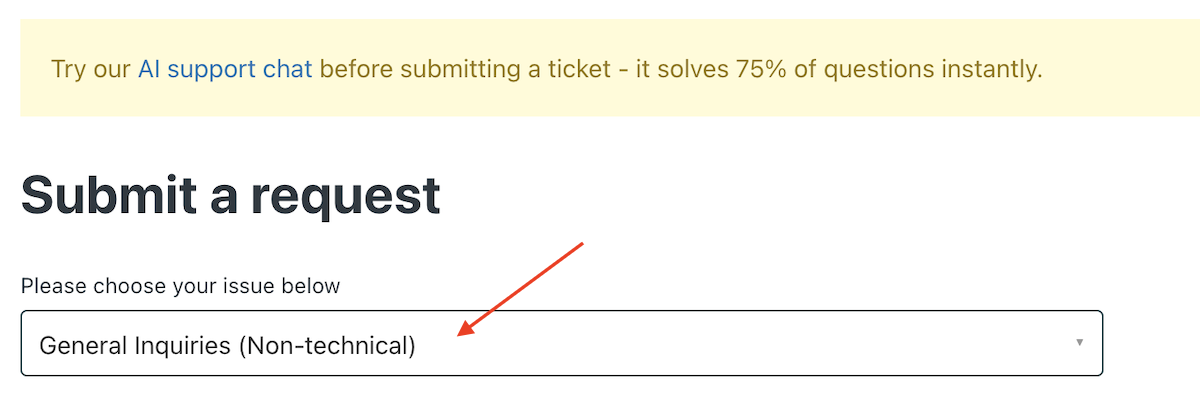
3. Fill in the details using the suggested format below to ensure a smooth review process:
- CG Token Link: [Insert CoinGecko token link]
- Category to be Removed: [Specify the category name]
-
Rationale: [Provide a clear explanation and supporting links for the removal request].
Examples include:
- The project does not fit the category definition.
- The project has rebranded and no longer aligns with this category.
- The category itself is outdated or no longer relevant.
Note:
Requests must be based on factual information.
CoinGecko reserves the right to determine whether a category tag should be removed based on internal review standards.