How to List an Upcoming Token (Preview Mode)
Last updated: October 2, 2026
At CoinGecko, we support the listing of upcoming tokens that have not yet launched or are not yet actively trading on any exchange. These assets are listed in Preview Mode. Once the token officially launches and trading begins, our team will map the relevant exchanges to activate the token page for live market tracking and price display.
The Application Process
Applying to get your upcoming token listed in preview mode follows a process very similar to our standard token listing procedure. You will need to submit your project details via our Self-Serve Request Form.
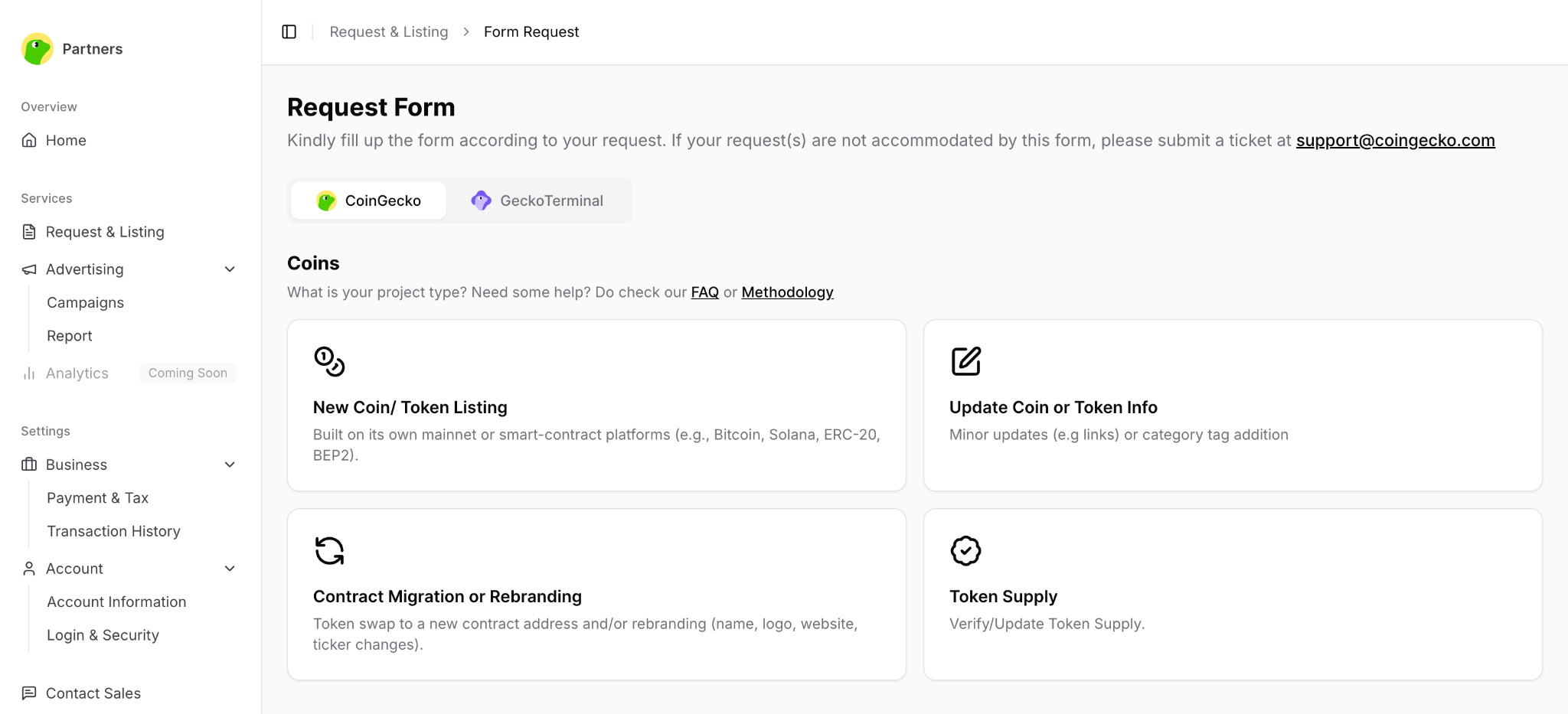
For a comprehensive step-by-step walkthrough, please refer to our dedicated guide: [How to Preview List tokens on CoinGecko?]
Features for Users
Even before the token goes live, preview-listed tokens are fully functional for our users. Community members can search for your project and add the preview token to their personal watchlists and portfolios on both the CoinGecko website and mobile app.
Looking to Expedite Your Review?
If you would like to fast-track your listing evaluation, we offer CoinGecko Fast Pass. This is an optional paid service that guarantees your application will be processed within 24 hours of submission. For more information, kindly refer to this article [What does the CoinGecko Fast Pass feature cover?].
Important Reminder
All token listing submissions are strictly evaluated based on an undisclosed set of internal criteria, which includes factors like project maturity, team presence, and liquidity plans. Only applications that meet these rigorous standards will be approved for listing.
If you have further questions or encounter issues, please submit a ticket at our Support Center.