How to Submit a Contract Migration or Rebranding Request
Last updated: October 30, 2026
This guide outlines the requirements and step-by-step process for successfully submitting a Contract Migration or Rebranding request on CoinGecko.
Important Notes on Migrations:
1:1 Contract Migrations: The existing Coin page will be updated with the new contract address and new project information. A public notice will be added to the page to provide users with context.
Non-1:1 Contract Migrations: An entirely new Coin page will be created. The old token page will automatically be delisted if no trading activity is detected for more than 30 days. Both the old and new token pages will display a public notice.
Tips for a Successful Submission
Ensure all links are publicly accessible and relevant.
Provide sufficient proof and context (e.g., official announcements).
Submit from an official project email domain whenever possible.
Use accurate chain explorers and contract addresses.
Note: Any requests submitted with malicious intent will be strictly rejected.
Submission Process
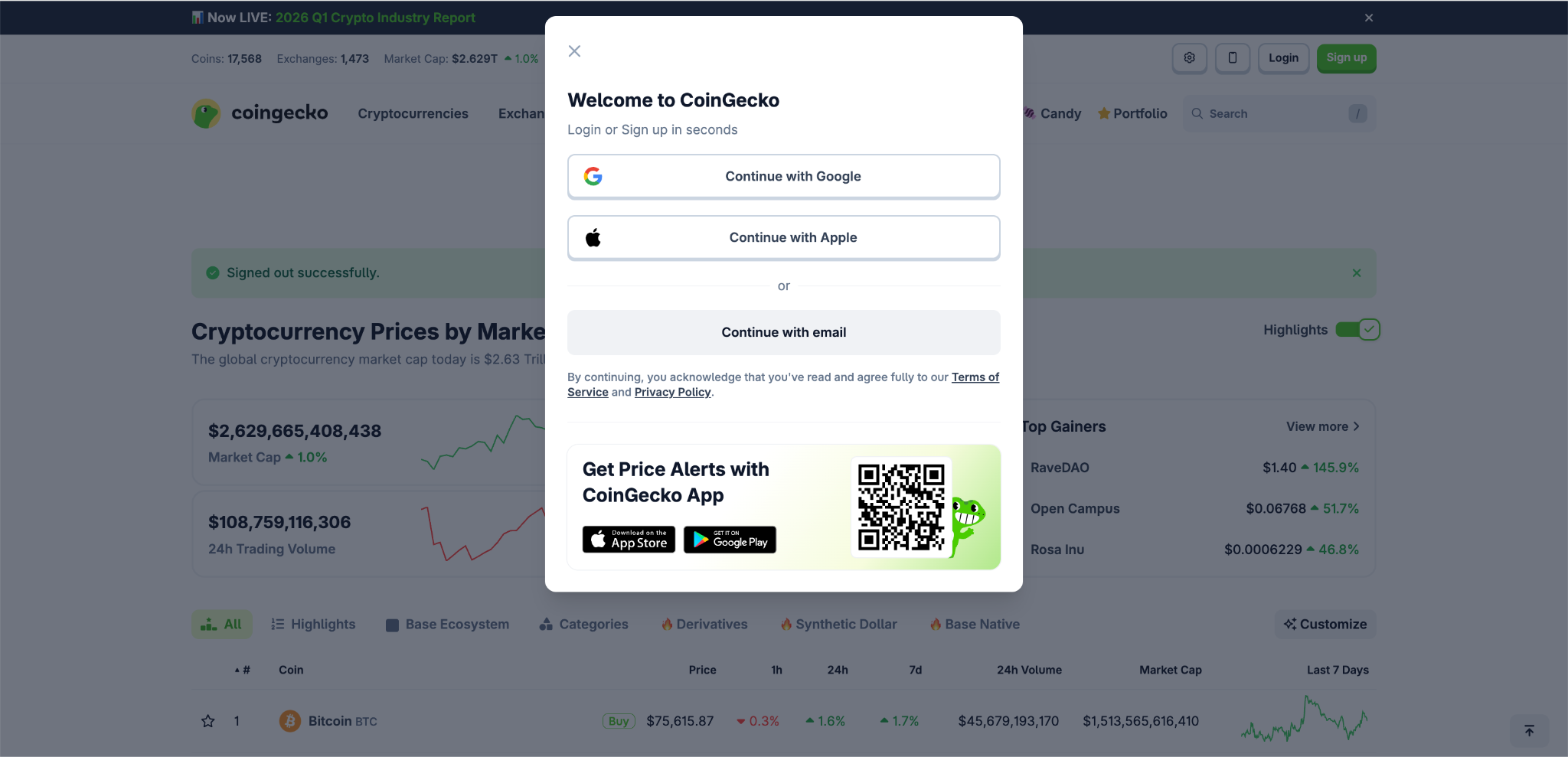
Log In to Your Account: Log in to your CoinGecko account. If you do not have one, please sign up first. (Refer to our guide: [How do I sign up for a CoinGecko account?] for help.)
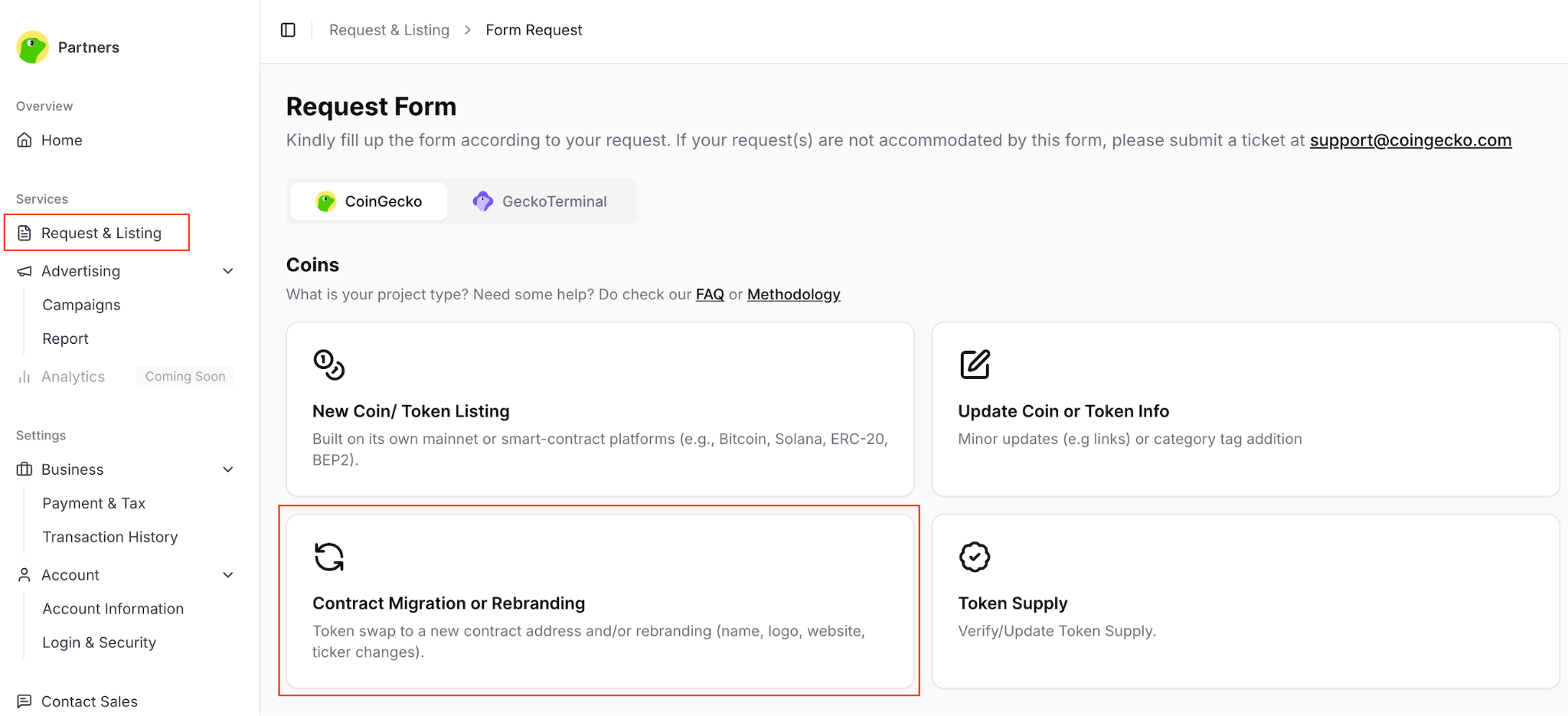
Access the Form: Visit the Partners Platform. Navigate to the Request & Listing tab and select Contract Migration or Rebranding.
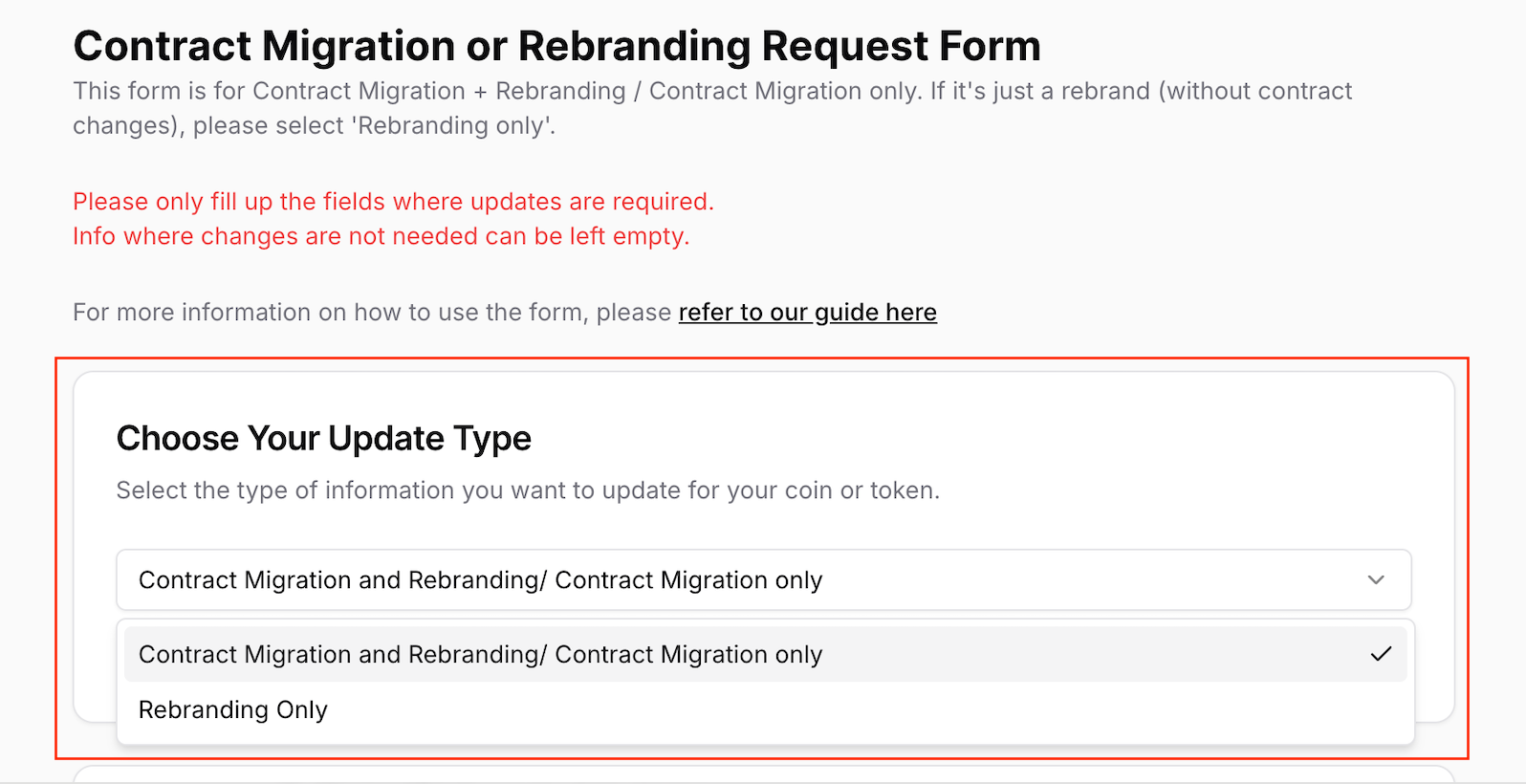
Choose the Relevant Scenario: From the dropdown menu, select the type of update you are requesting:
Contract Migration and Rebranding/Contract Migration only: Use this default selection for any migration.
Rebranding Only: Use this strictly for pure rebrands with no contract changes.
Fill in the Required Fields: Complete all mandatory fields with accurate and detailed information. The more comprehensive your submission, the faster our team can verify and process your request.
Form Breakdown:
Section | Description |
1. Coin/Token to Update |
|
2. Public Announcement Links |
|
3. Contract Migration Information |
|
4. Contract Migration Details |
|
5. Block Explorer Links |
|
6. Exchange Trading Information |
|
7. Max Supply |
|
8. Total Supply |
|
9. Circulating Supply |
|
10. Basic Coin/Token Information |
|
11. Project Information |
|
12. Community Information |
|
13. Developer Information |
|
14. Attachments |
|
15. Additional Information |
|
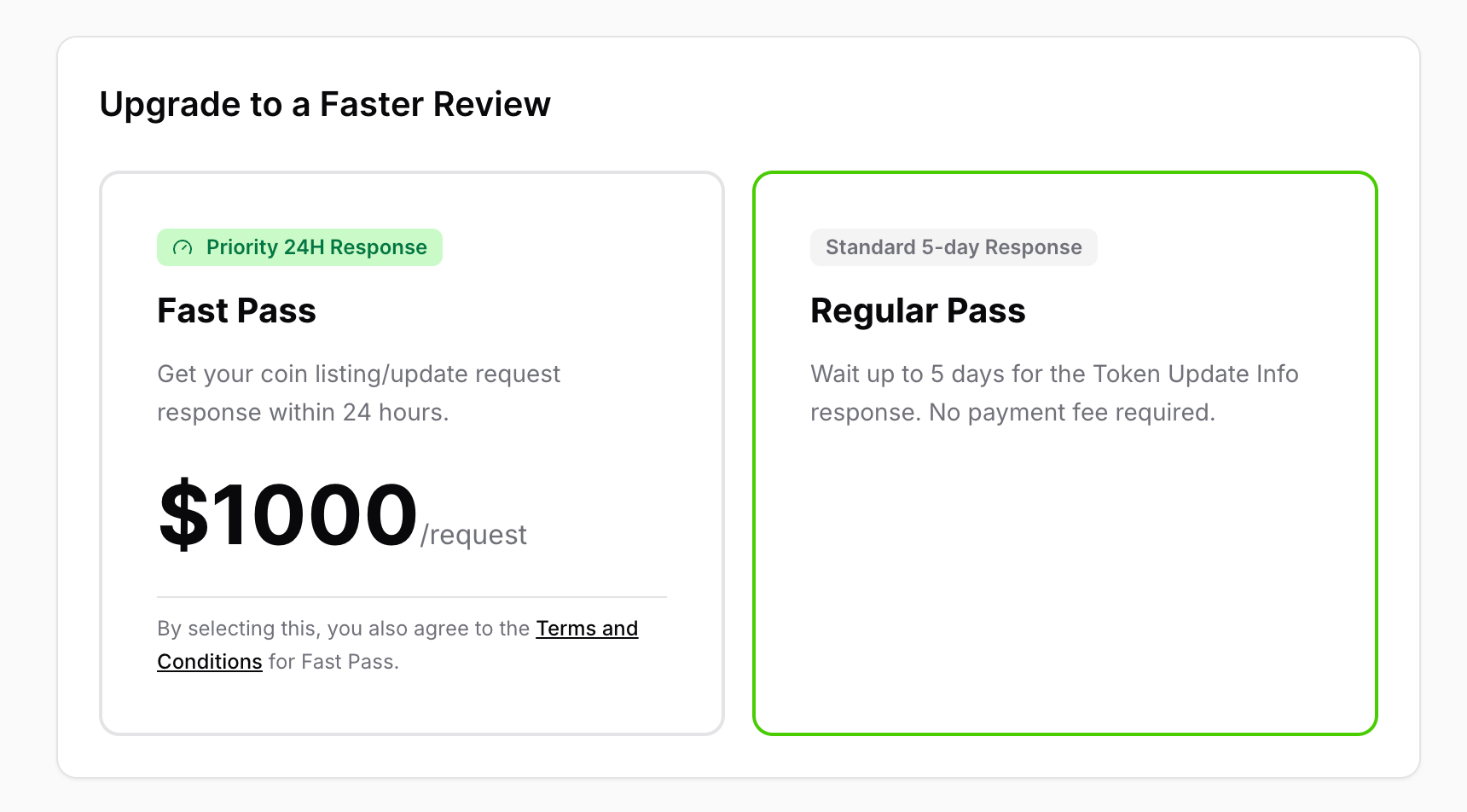
Choose Your Review Speed: Before submitting, select how fast you want your application reviewed:
Fast Pass: Expedites your review to within 24 hours. (For more details, see [What does the CoinGecko Fast Pass feature cover?] and [How to Purchase CoinGecko Fast Pass])
Regular Pass: Standard review process, which takes up to 5 days.
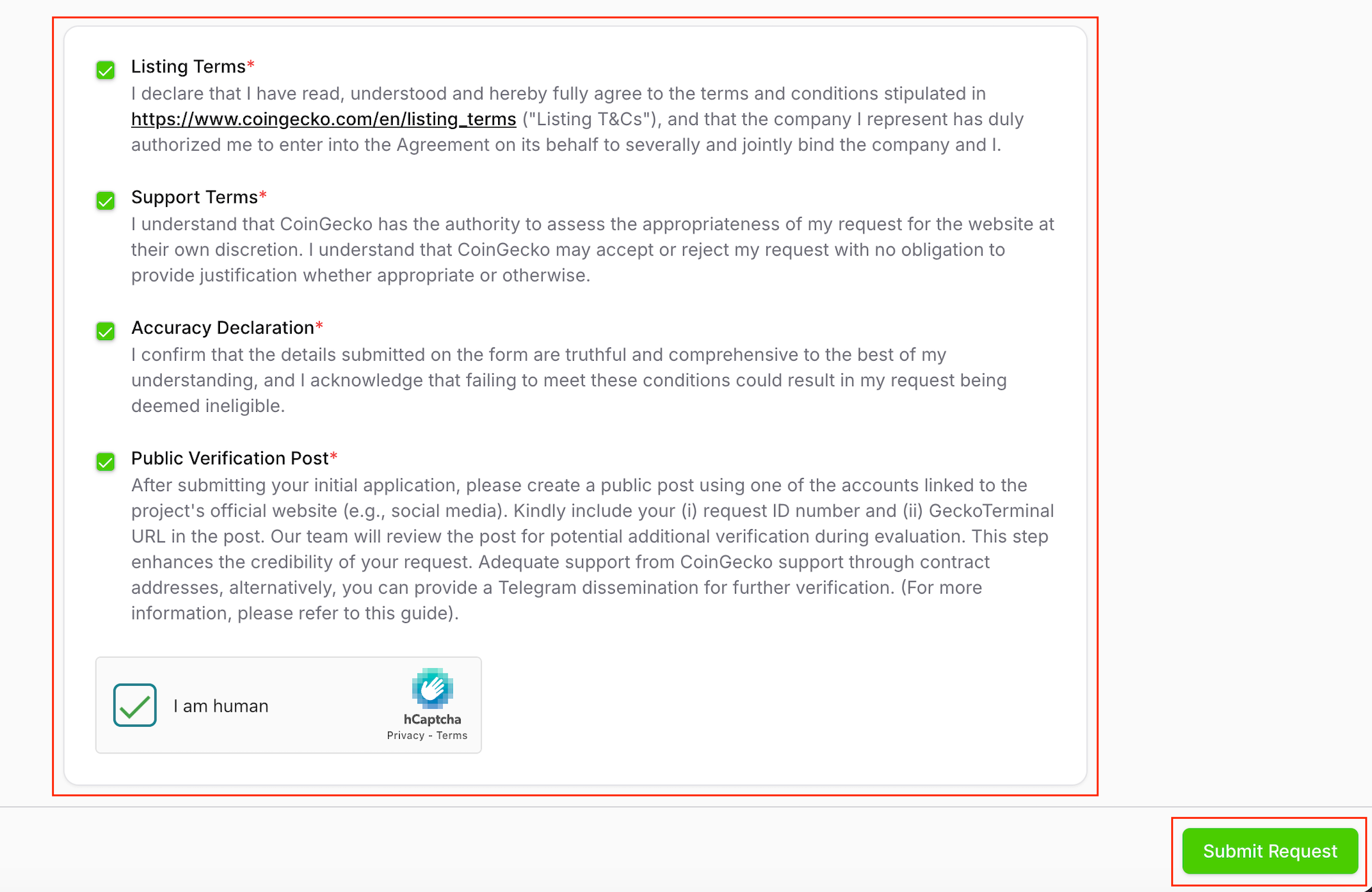
Submit: Acknowledge the terms and conditions, complete the captcha, and click the Submit Request button.
Tracking Your Application
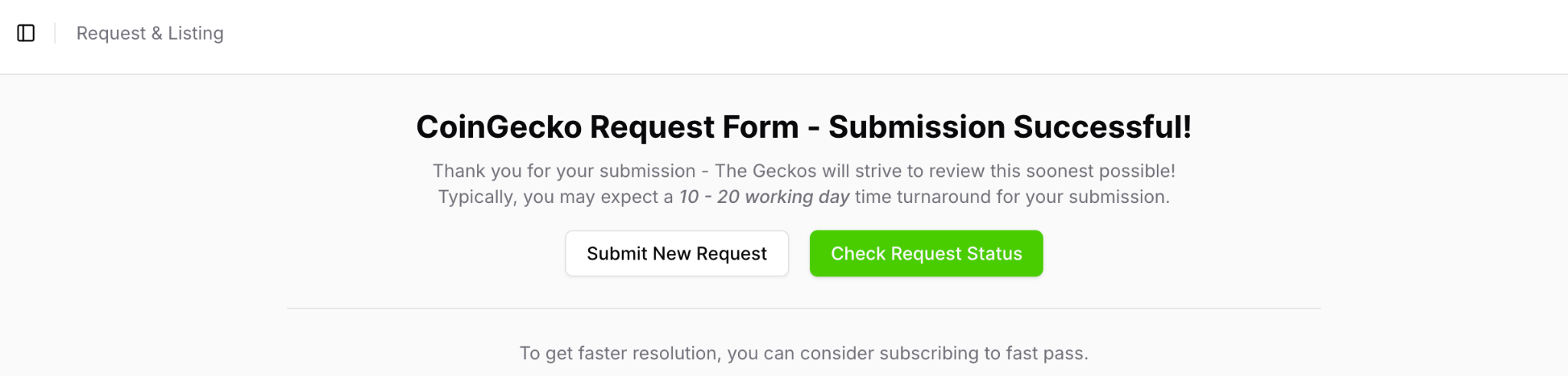
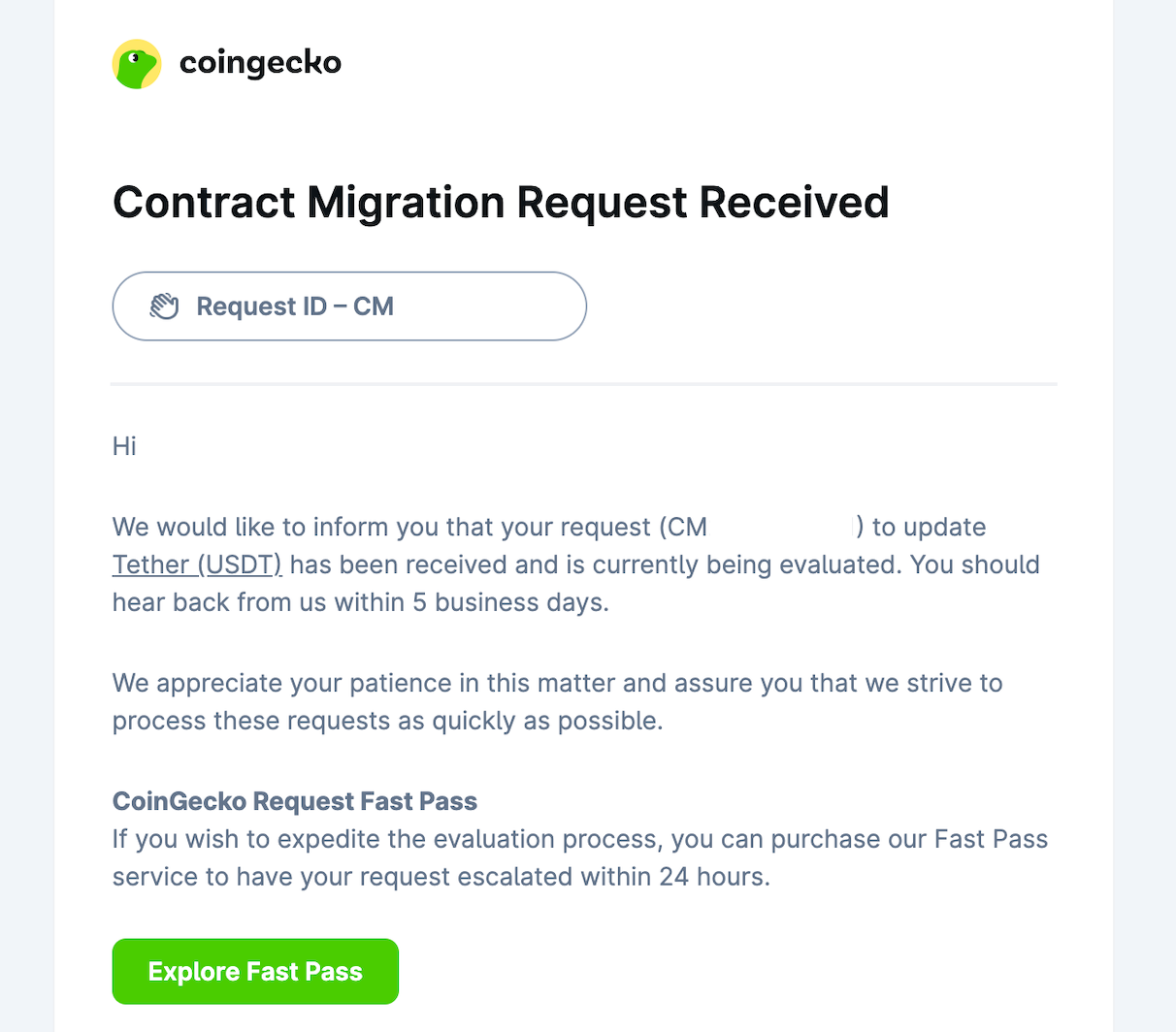
Upon successful submission, a success message will display on your screen, and you will receive a confirmation email containing a unique Request ID (e.g., CMXXXXX).
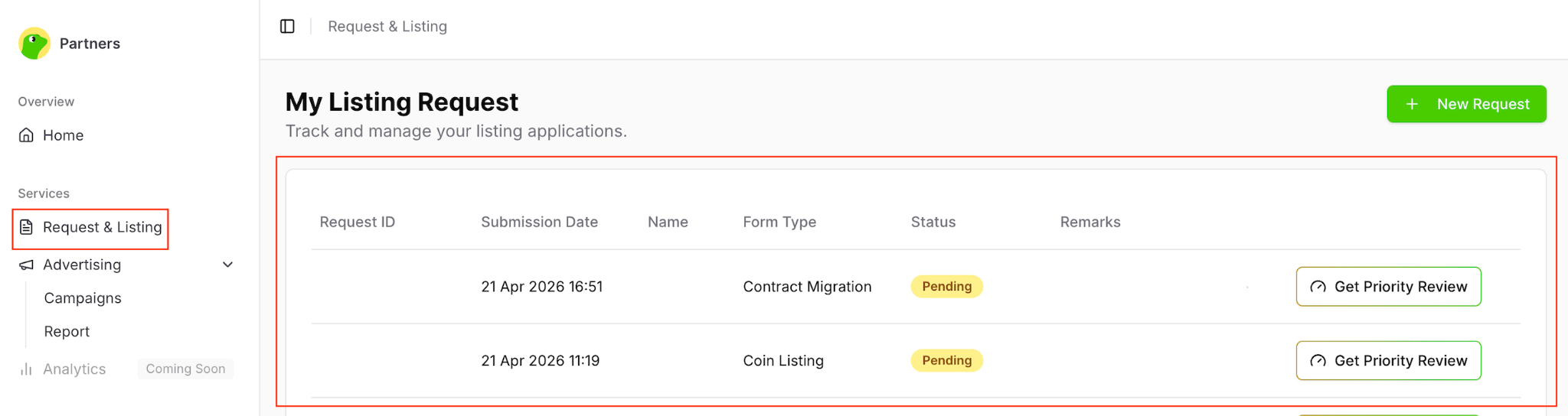
You can monitor the real-time status of your request at any time by navigating to the Request & Listing tab in your Partners Platform. Our operations team will process your application based on the pass tier you selected.
Need Help?
If you have further questions or encounter issues, please submit a ticket at our Support Center.