How to Set Up API Consumption Alerts
Last updated: October 2, 2026
Yes, CoinGecko provides call consumption alerts! This guide explains how to enable optional usage alerts and outlines the default notifications you will receive to help you monitor your API usage and manage potential overage charges.
Enabling Optional Alerts
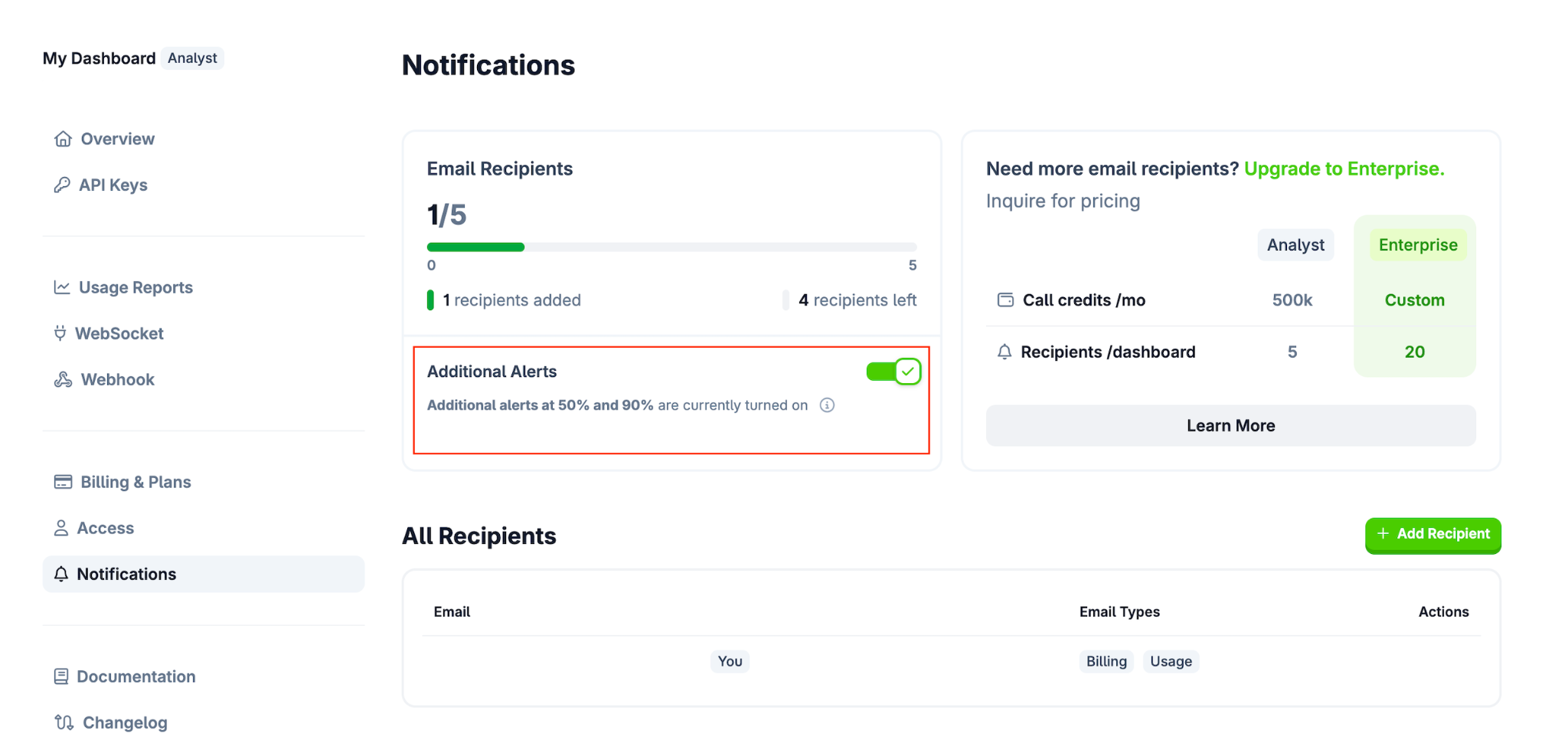
You can opt in to receive email notifications when you reach 50% and 90% of your API call limit. To enable these, please follow these steps:
- Access the Dashboard: Log in to your CoinGecko account and head over to your Developer’s Dashboard.
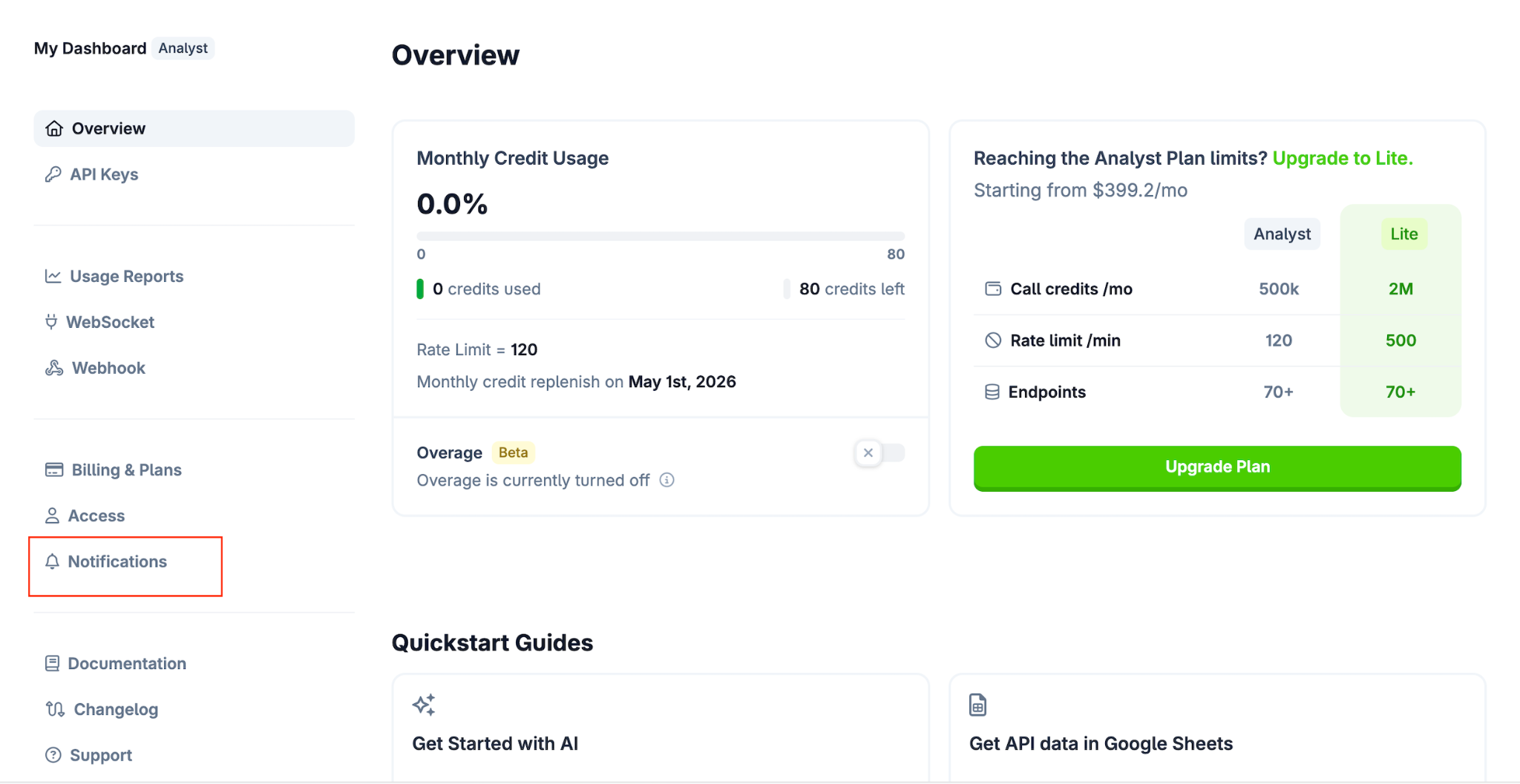
- Navigate to Alerts: Click on the Notifications tab.
- Enable Notifications: Turn on the Additional Alerts to ensure you receive emails once the 50% and 90% threshold values are hit.
Default Alerts & Overage Billing
Aside from the optional alerts, the CoinGecko system has built-in notifications to keep you informed:
- Default Alerts: You will automatically receive an email alert when your API consumption hits 80% and 100%.
- Overage Charges: Please be aware that hitting 100% call consumption automatically triggers the start of billing for Overage Charges if the overage option is enabled.
Need Help?
If you have further questions or encounter issues, please submit a ticket at our Support Center.