How to Check Your API Call Usage via Endpoint
Last updated: October 2, 2026
Yes, CoinGecko provides a dedicated endpoint to check your API usage programmatically. This guide explains how to monitor your monthly and per-minute call consumption directly through the API, as well as where to find a visual overview on your dashboard.
Using the /key Endpoint
You can use the /key endpoint to monitor your account’s current API usage. Calling this endpoint allows you to track vital information, including:
- Rate Limits: Your allowed API calls per minute.
- Monthly Total Credits: Your total allotted API calls for the current billing cycle.
- Remaining Credits: The number of API calls you have left for the month.
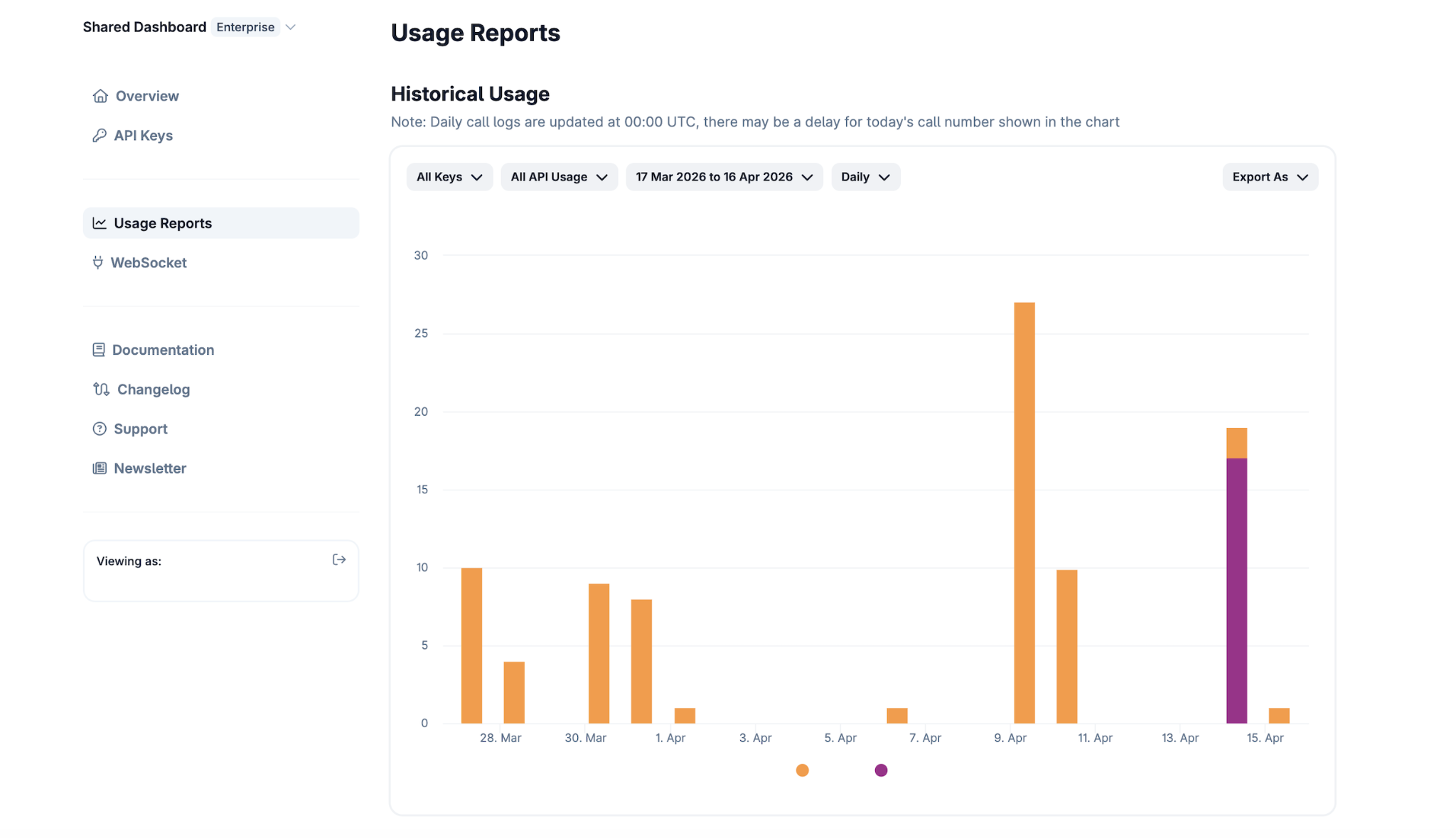
Alternative Method: Developer's Dashboard
For a more comprehensive and visual overview of your API usage, you can access your Developer's Dashboard. Please refer to our dedicated guide, [How to Check Your API Usage], for step-by-step instructions on utilizing the dashboard reports.
Need Help?
If you have further questions or encounter issues, please submit a ticket at our Support Center.