How to List a New Cryptocurrency on CoinGecko
Last updated: October 2, 2026
Before applying, please ensure you meet our important prerequisites. First, your cryptocurrency must be actively tradable on a cryptocurrency exchange tracked by CoinGecko; you can view our supported markets on our Exchange page.
Additionally, please do not ask your community to spam CoinGecko with "When list?" inquiries, as repeated spam will result in your coin or token being disqualified from listing.
Step-by-Step Submission Guide
To submit your token or coin for listing, please follow these simple steps:
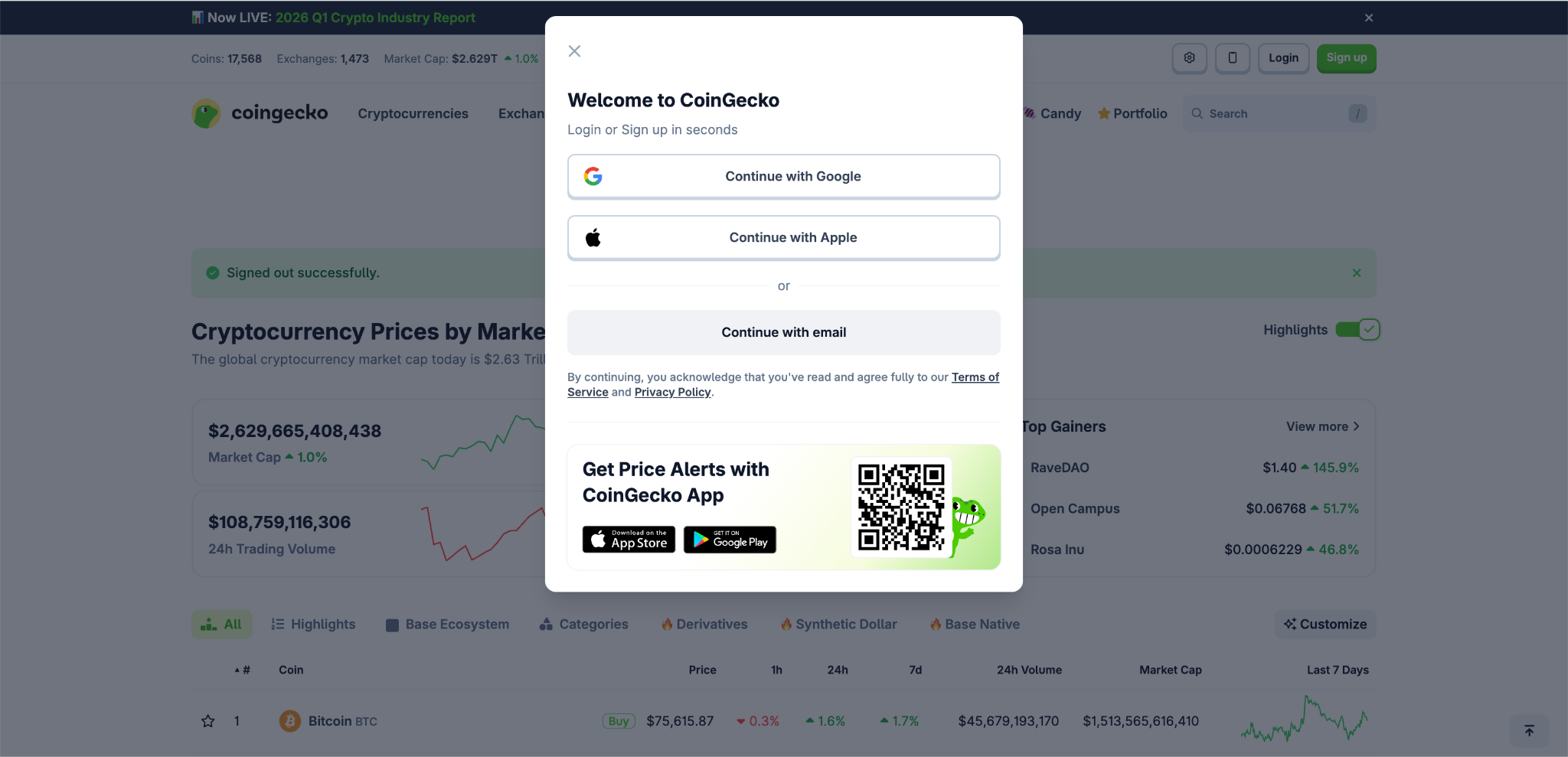
- Log In: Log in to your CoinGecko account. If you do not have an account, you will need to sign up first. You can read this article, [How do I sign up for a CoinGecko account?], for further information.
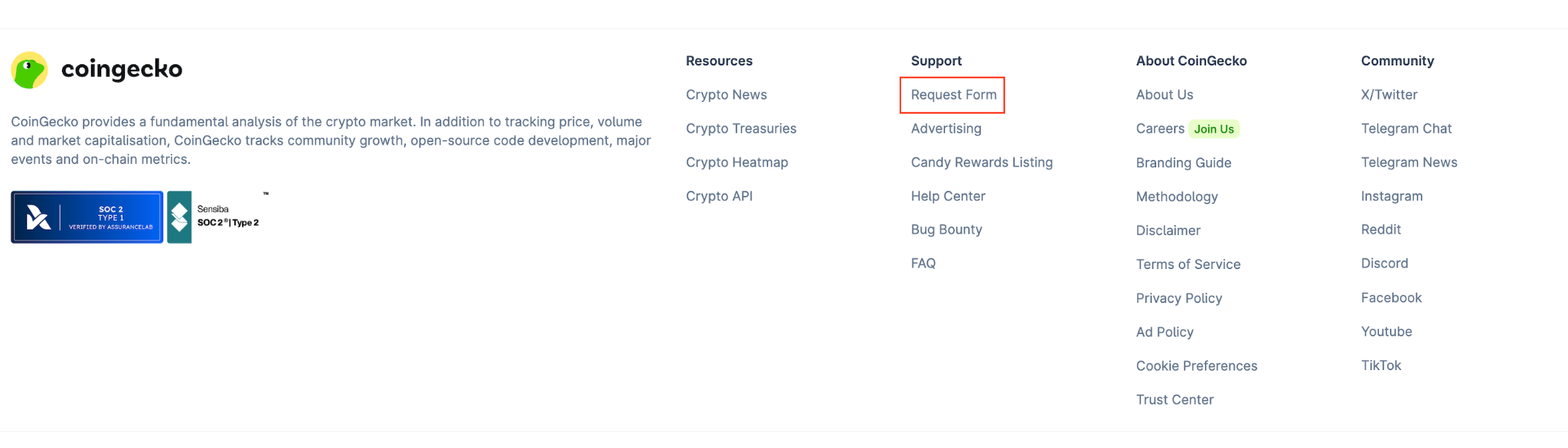
- Access the Form: Scroll to the bottom of the CoinGecko homepage and click on Request Form. Or you can visit this link directly.
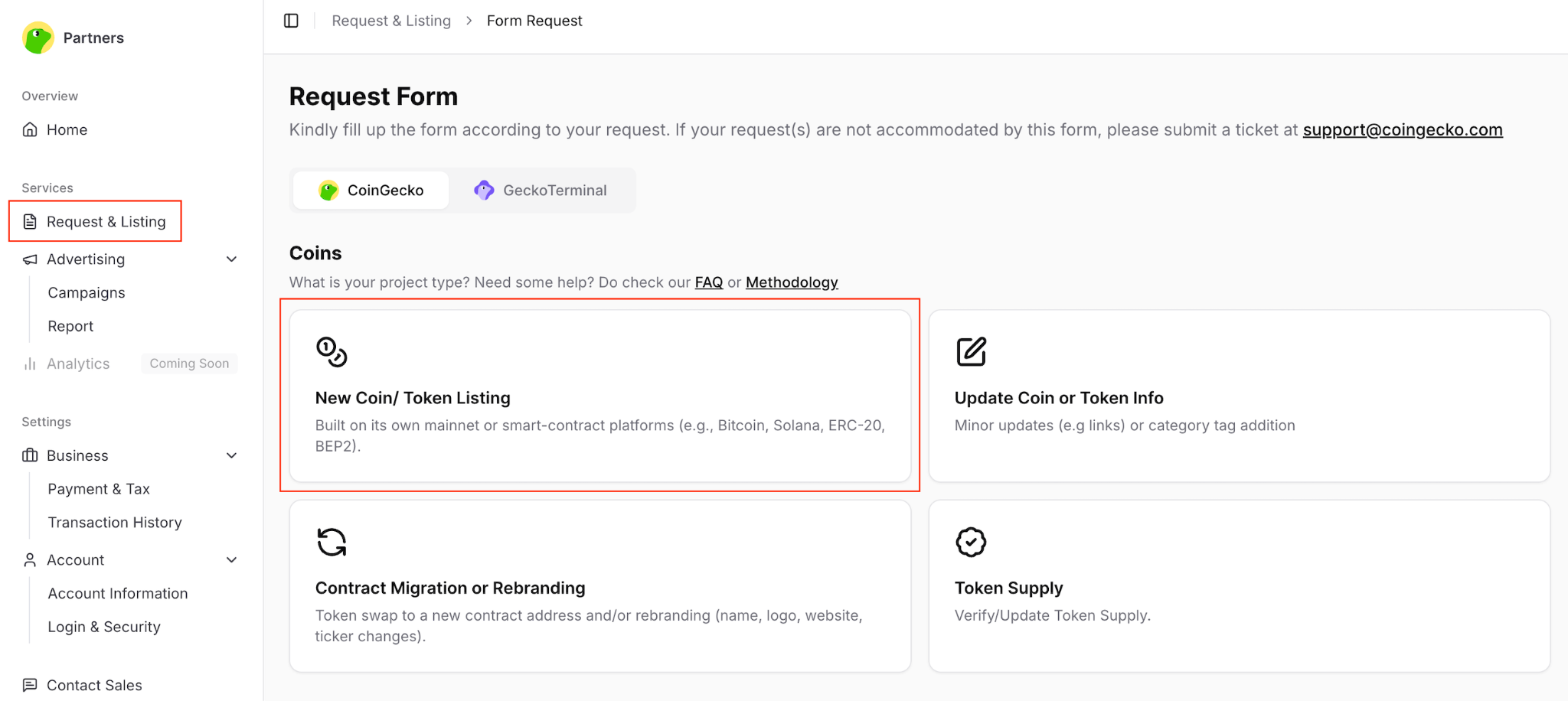
- Select Request Type: Once inside the Request & Listing tab, select New Coin/Token Listing.
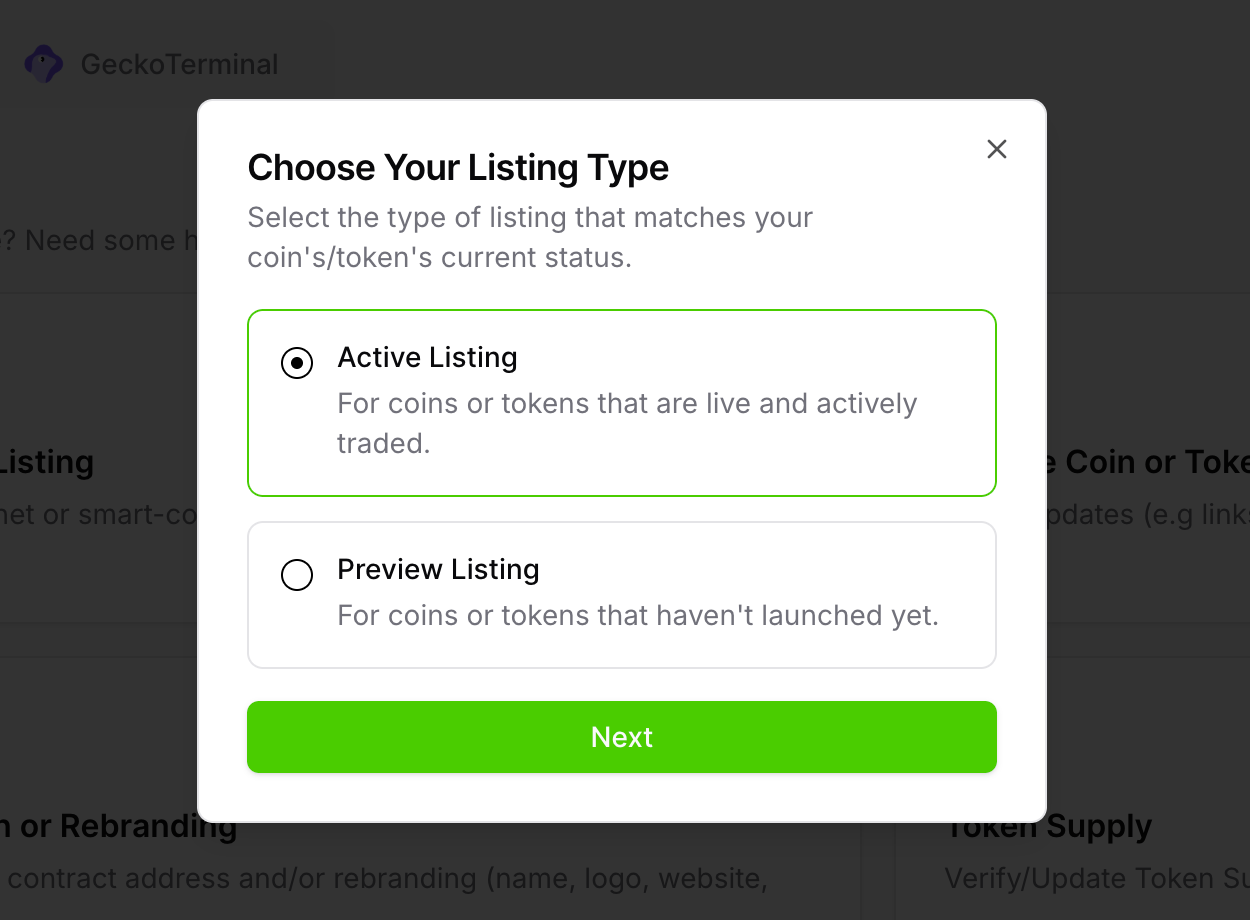
- Choose Active or Preview: Select either Active Listing or Preview Listing. (If your token has not launched yet, please refer to our guide on [How to Preview List tokens on CoinGecko?])
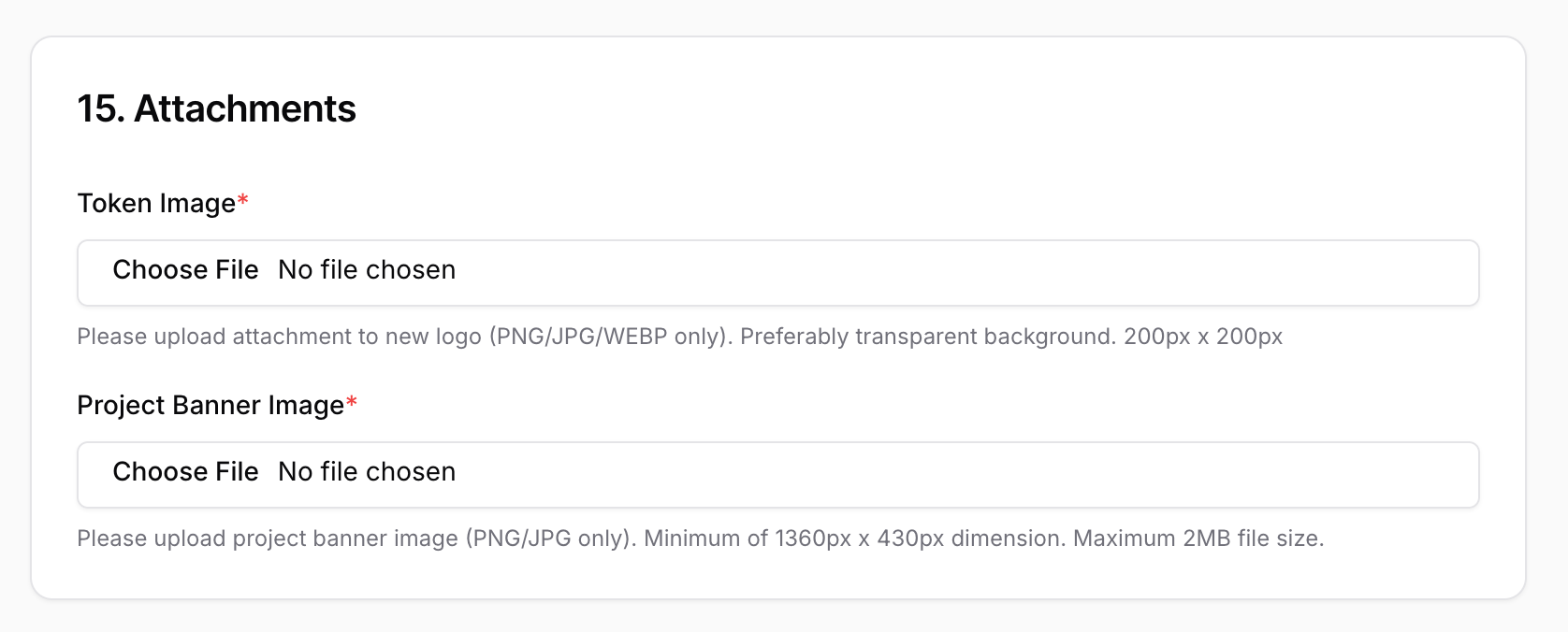
- Fill in the Details: Complete the form. Fields marked with an asterisk (*) are mandatory, but we highly encourage providing as much detail as possible. Ensure you upload your token/coin image under the Attachments section.
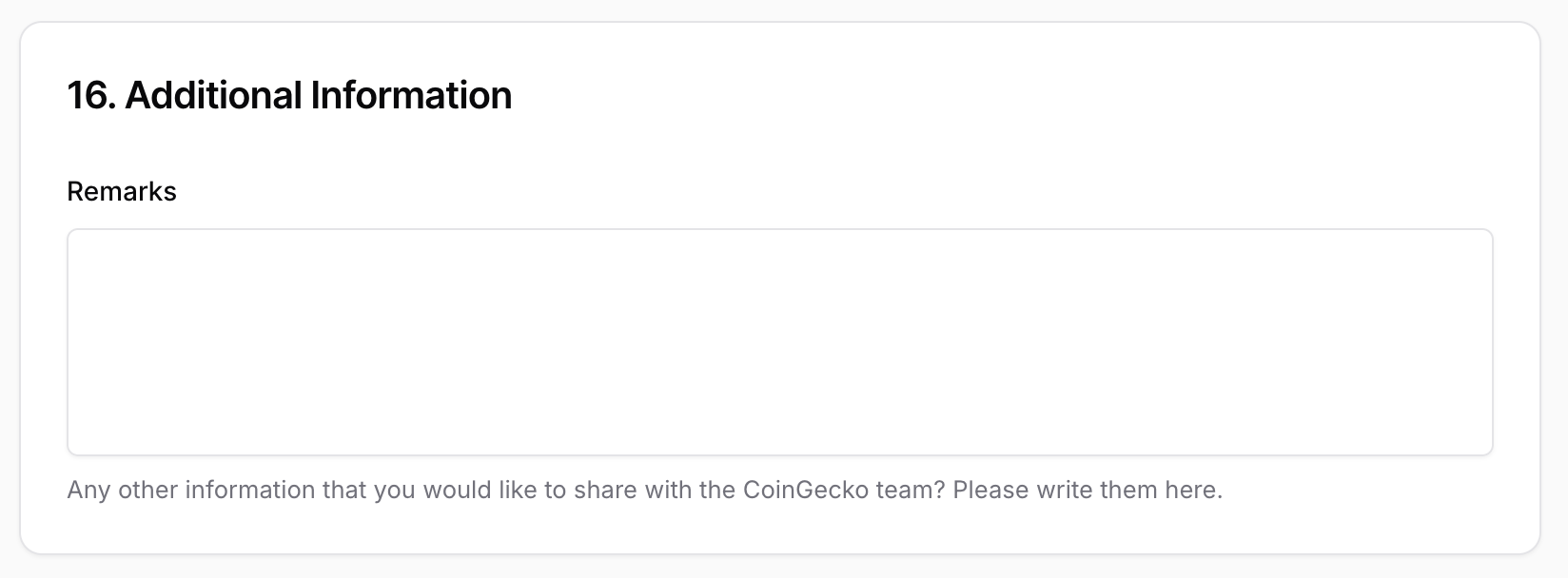
- Additional Details: Feel free to type in any additional information that you would like to share with the CoinGecko team.
-
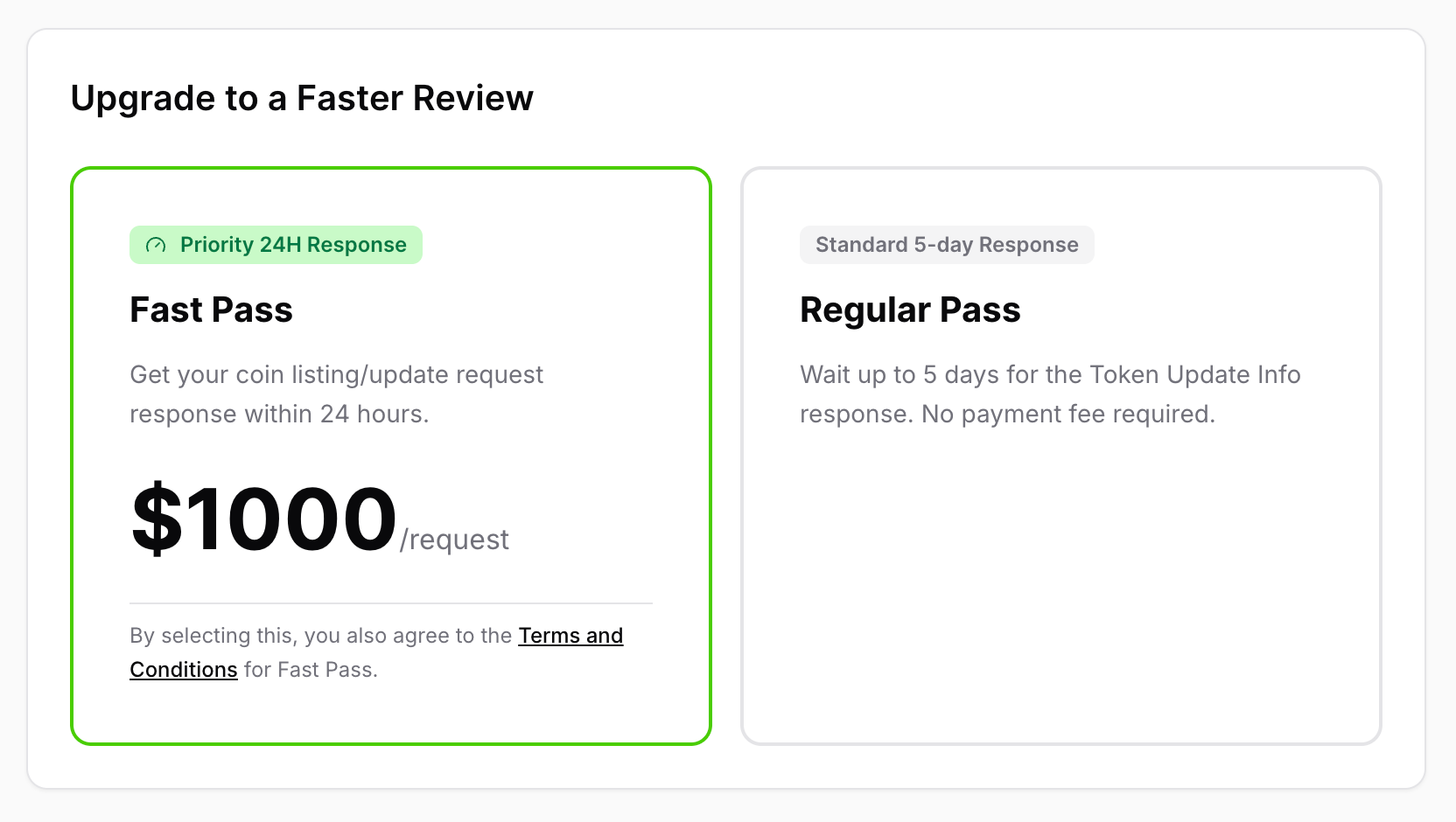
Choose Your Review Speed: Before submitting, select how fast you want your application reviewed:
- Fast Pass: Expedites your review to within 24 hours. (For more details, see [What does the CoinGecko Fast Pass feature cover?] and [How to Purchase CoinGecko Fast Pass])
- Regular Pass: Standard review process, which takes up to 5 days.
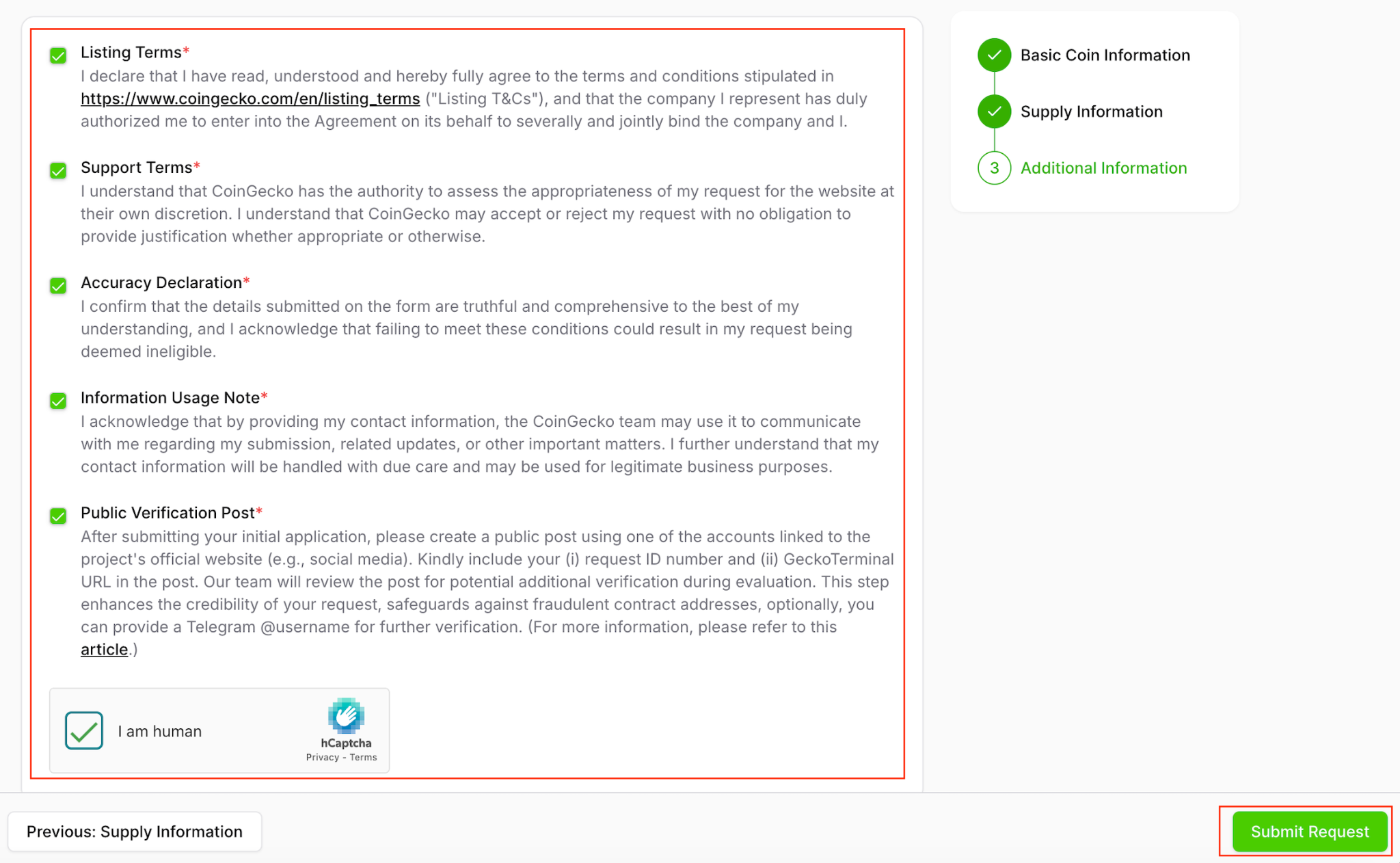
- Submit: Acknowledge the terms and conditions, complete the captcha, and click the Submit Request button.
Tracking Your Application
Upon successful submission, a success message will display on your screen, and you will receive a confirmation email.
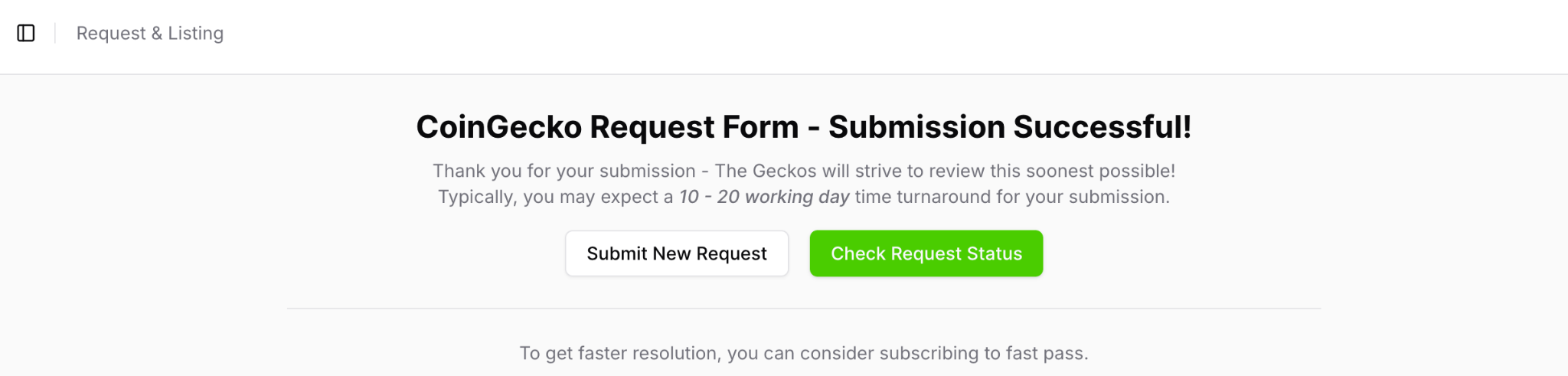
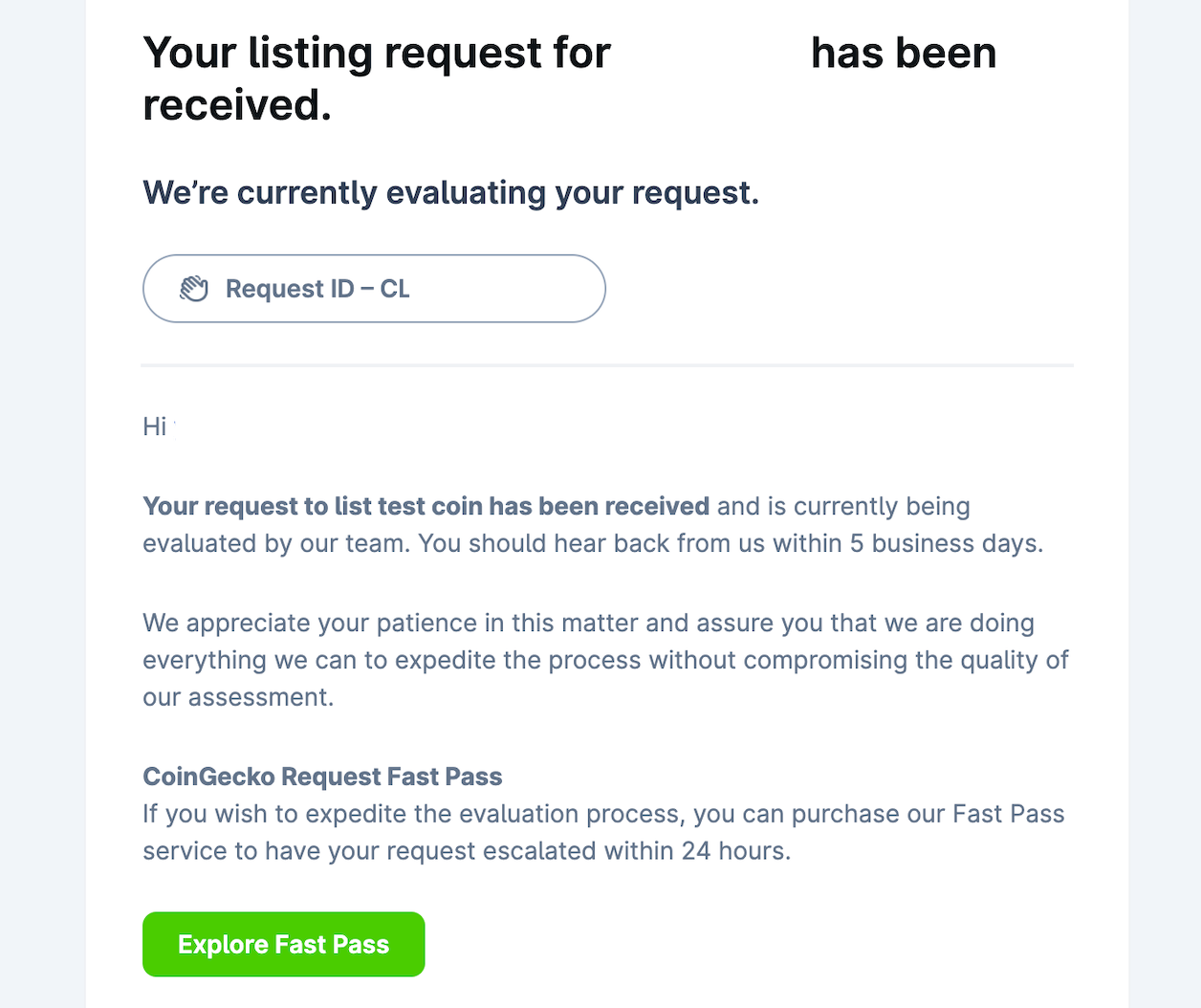
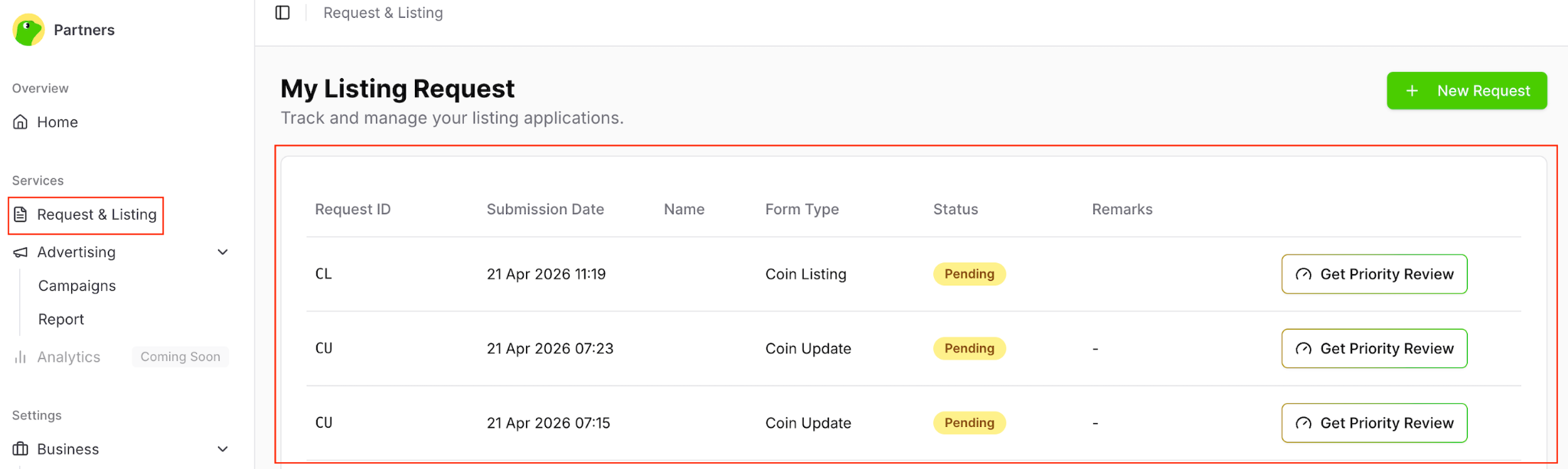
You can monitor the real-time status of your listing request at any time by navigating to the Request & Listing tab in your dashboard. Our operations team will process your application based on the pass you selected.
Need Help?
If you have further questions or encounter issues, please submit a ticket at our Support Center.