How to Preview List Tokens on Coingecko
Last updated: November 23, 2026
To be eligible for a Preview Listing on Coingecko, project teams must provide a clear Token Generation Event (TGE) date and time, backed by verifiable official announcements. Additionally, please do not ask your community to spam Coingecko with "When list?" inquiries, as repeated spam will result in your coin or token being disqualified from listing.
Submission Process
Applying for a preview listing is very similar to our standard token listing process. To get started, navigate to our Self-Serve Request Form and follow the preliminary steps outlined in [How to List a New Cryptocurrency on Coingecko].
When filling out the form, ensure you select the Preview Listing option.
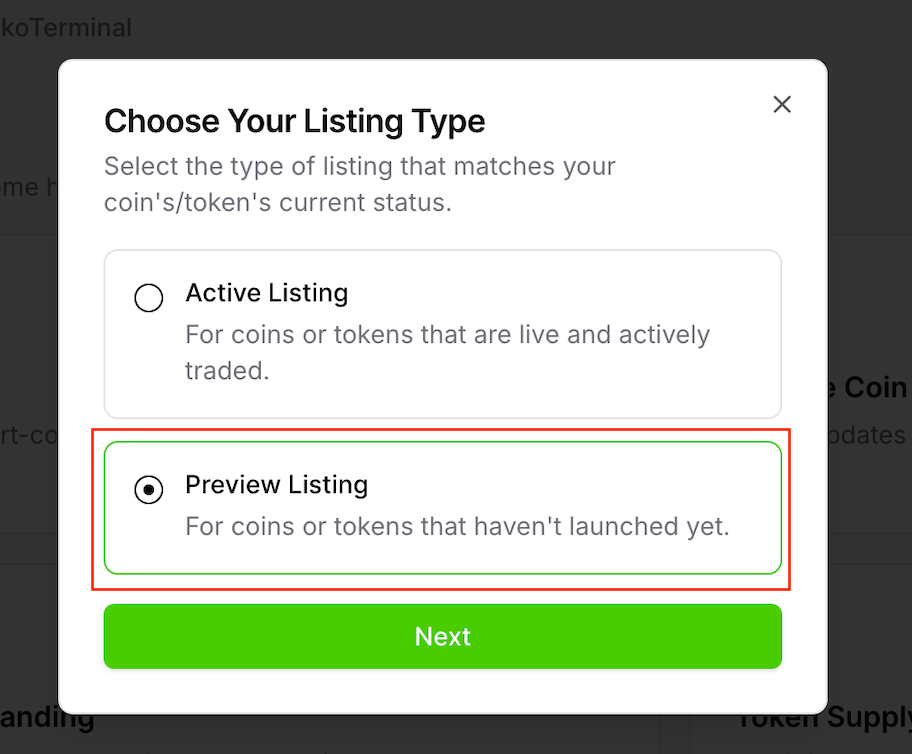
Specific Requirements for Preview Listings
In addition to the standard listing fields, you must provide comprehensive and specific details in the following four areas to successfully submit a preview listing request:
Preview Listing Verification Links: You must provide official announcement links that confirm the scheduled TGE date and time, as well as verifiable proof that the official project team has submitted the preview listing request.
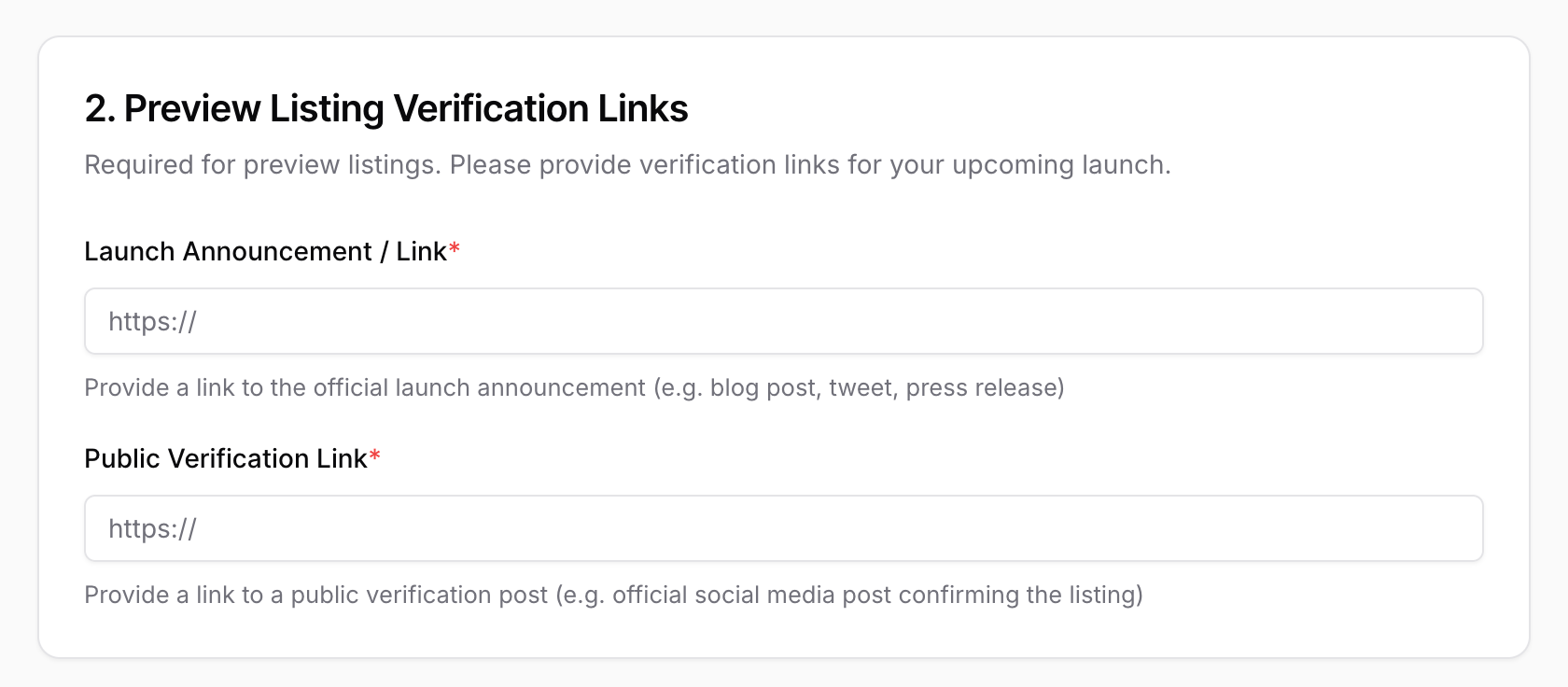
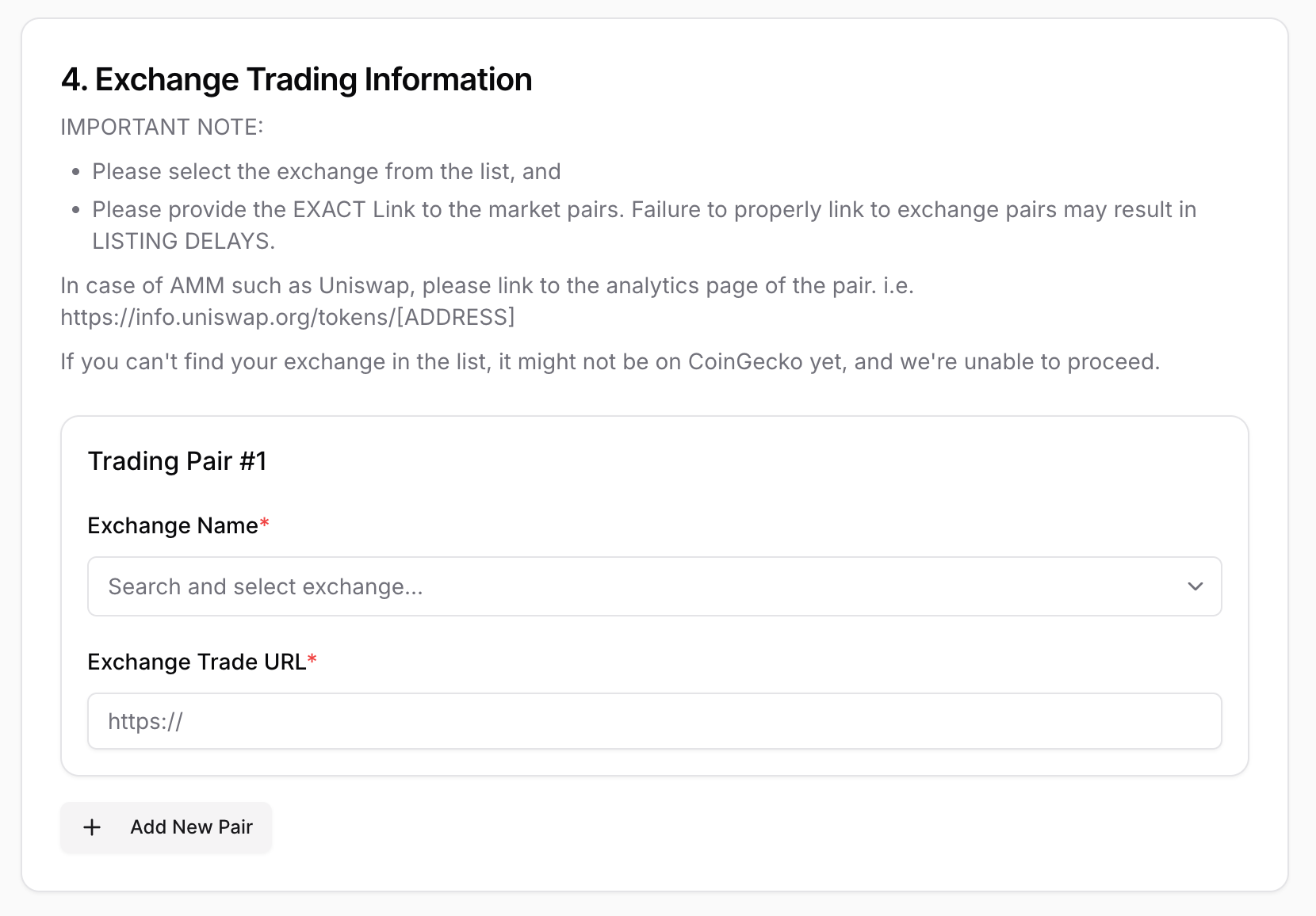
Exchange Details: Provide the details of the exchange(s) where your token will trade on the TGE date, including relevant official announcements for verification.
Note: If there is no confirmed exchange yet, simply select any exchange as a placeholder and use a general URL for the Exchange Trade URL field.
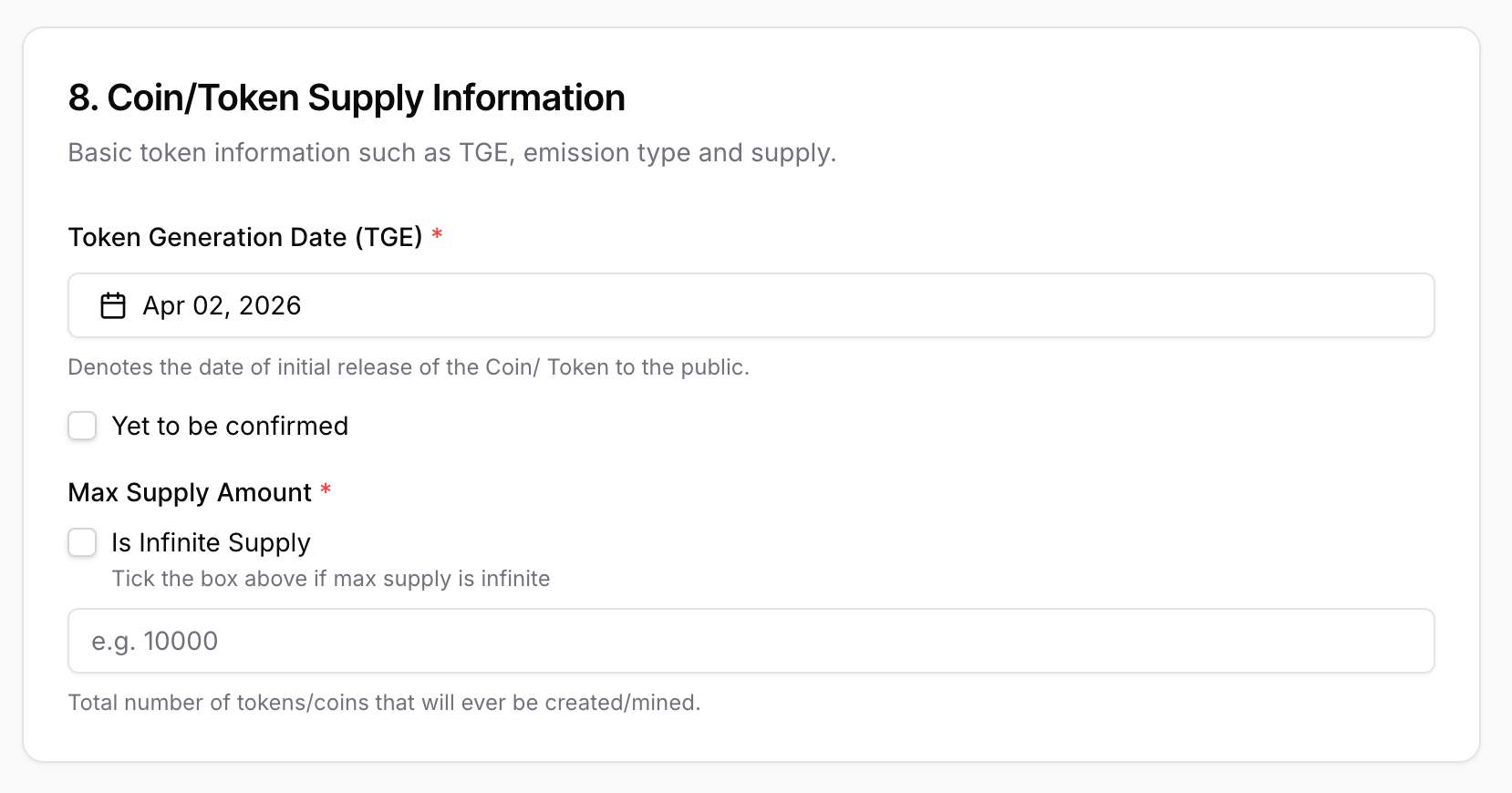
TGE Date and Time: Locate the "Coin/Token Supply Information" section and provide the scheduled TGE date. If the exact date and time are not yet confirmed, please check the ‘Yet to be Confirmed’ box.
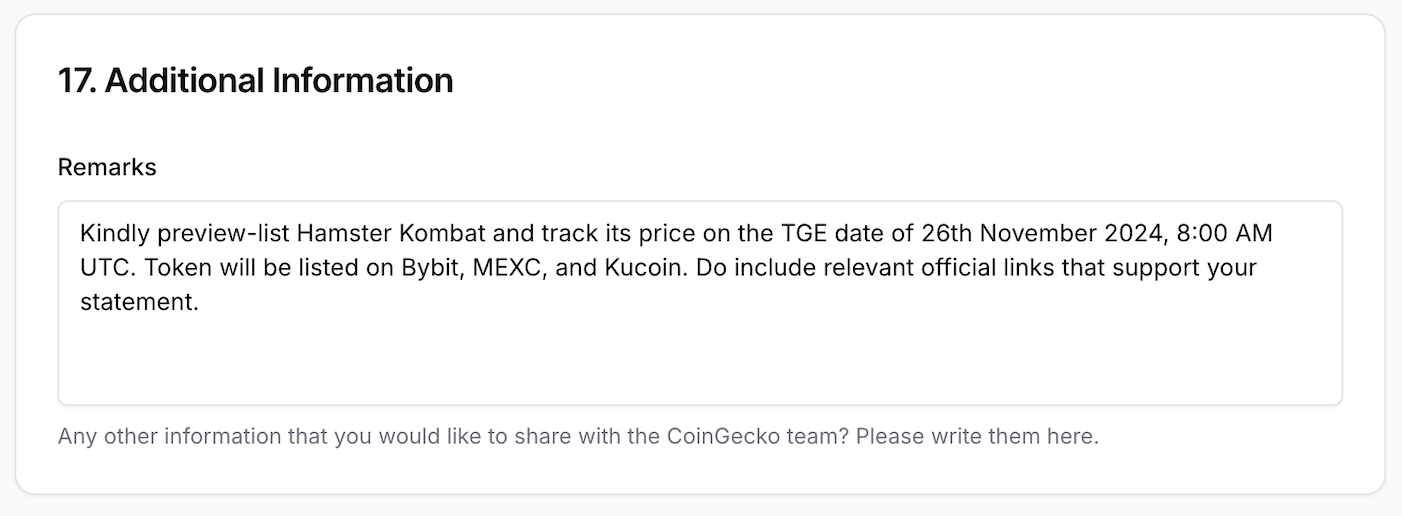
Additional Information: In this text field, explicitly state that this is a request for a PREVIEW LISTING. Summarize the key details, including the TGE date, the exchange(s) where the token will be traded, and your official announcement links.
Example of a strong "Additional Information" note: "Kindly preview-list Hamster Kombat and track its price on the TGE date of 26th November 2024, 8:00 AM UTC. The token will be listed on Bybit, MEXC, and Kucoin. Please see the included relevant official links that support this statement."
What Happens Next?
Activating Your Token
Once your token has been successfully preview-listed, it will not track price data immediately. You must follow the steps in [How to Activate Preview Listed Tokens on Coingecko?] to ensure your token page goes fully live on your TGE date.
Expediting Your Review
If you would like to speed up the evaluation process, you can opt for Coingecko Fast Pass, a paid service that expedites your review within 24 hours. For more details, see [What does the Coingecko Fast Pass feature cover?] and [How to Purchase Coingecko Fast Pass].
Additional Resources
For more information on our listing criteria and common issues, please refer to the following:
Need Help?
If you have further questions or encounter issues with your submission, please submit a ticket at our Support Center.